Jupiter swap - Custom Settings, Routing, and Output
Jupiter swap settings change which liquidity sources compete, how much output variation you accept, and transaction prioritization costs. Manual exclusions can remove a route that supplied a stronger quote, leaving less output or no eligible route. Compare the same tokens and input amount after each change. The useful choice meets your routing constraint, preserves an acceptable minimum received, and leaves enough balance for the costs shown before approval.
Key takeaway: Removing eligible liquidity sources can reduce quoted output, so compare the refreshed quote and minimum received before approving a custom swap.
Default quotes and reversing an exclusion
A quote with default settings gives you a starting comparison before you introduce a specific routing or execution constraint. Record the selected tokens, input amount, expected output, and displayed costs together. A quote refresh can change several of these results even when you leave the controls untouched.
A newly unavailable quote after an exclusion calls for a narrow settings review. Removing that exclusion is a reasonable recovery option only if it isn’t a requirement of your trade. Raising slippage won’t restore an excluded liquidity source. If the exclusion must remain, assess the remaining quote or leave the exchange unsubmitted.
DEX exclusions and router exclusions
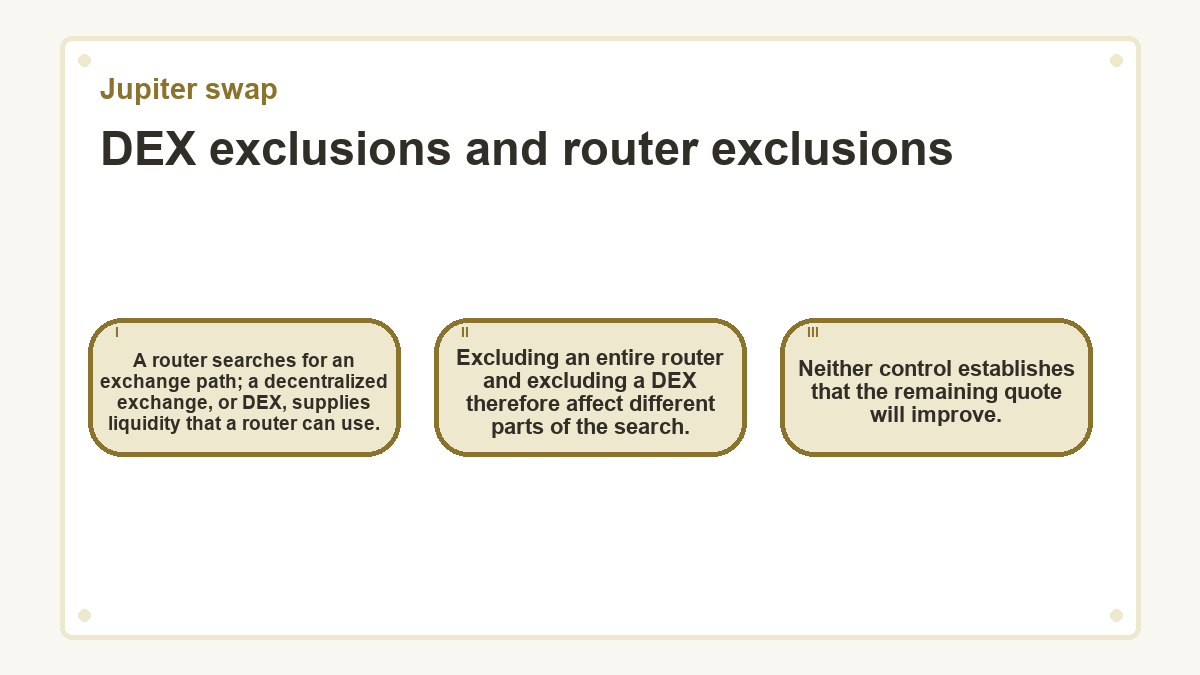
A router searches for an exchange path; a decentralized exchange, or DEX, supplies liquidity that a router can use. Excluding an entire router and excluding a DEX therefore affect different parts of the search. Neither control establishes that the remaining quote will improve.
The scope of a DEX filter
In Jupiter’s Swap V2 order API, the DEX exclusion parameter applies only to the Metis router. It doesn’t impose the same exclusion on other routing engines. This distinction matters when avoiding a particular venue is a firm requirement: a Metis filter alone cannot establish that every competing engine meets that requirement.
The scope of a router filter
A router exclusion removes the selected engine from the competition. That can remove an otherwise competitive offer, although the winning quote may remain unchanged when another eligible engine already supplies it. Use the returned router and route details to understand the offer that survives your choices.
Slippage settings and the output floor
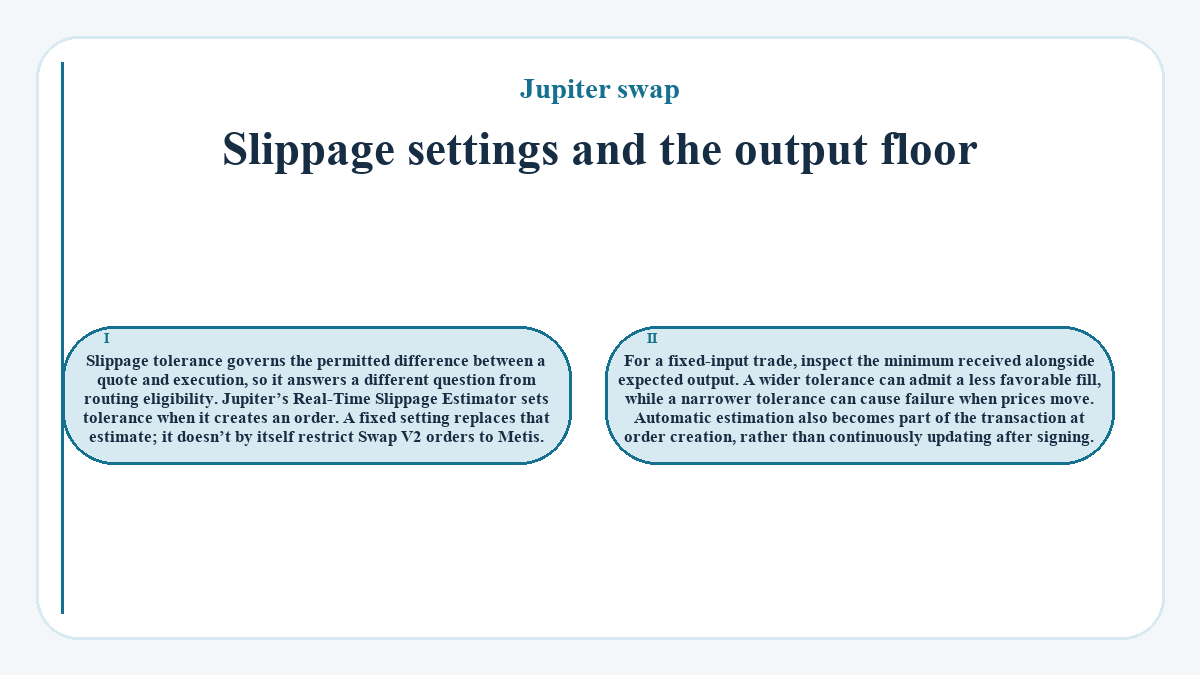
Slippage tolerance governs the permitted difference between a quote and execution, so it answers a different question from routing eligibility. Jupiter’s Real-Time Slippage Estimator sets tolerance when it creates an order. A fixed setting replaces that estimate; it doesn’t by itself restrict Swap V2 orders to Metis. For a fixed-input trade, inspect the minimum received alongside expected output. A wider tolerance can admit a less favorable fill, while a narrower tolerance can cause failure when prices move. Automatic estimation also becomes part of the transaction at order creation, rather than continuously updating after signing.
Priority fees and spending limits
Transaction prioritization affects scheduling and cost without adding liquidity to the selected route. A more expensive priority setting doesn’t repair an unsuitable exchange price.
Automatic and explicit fee settings
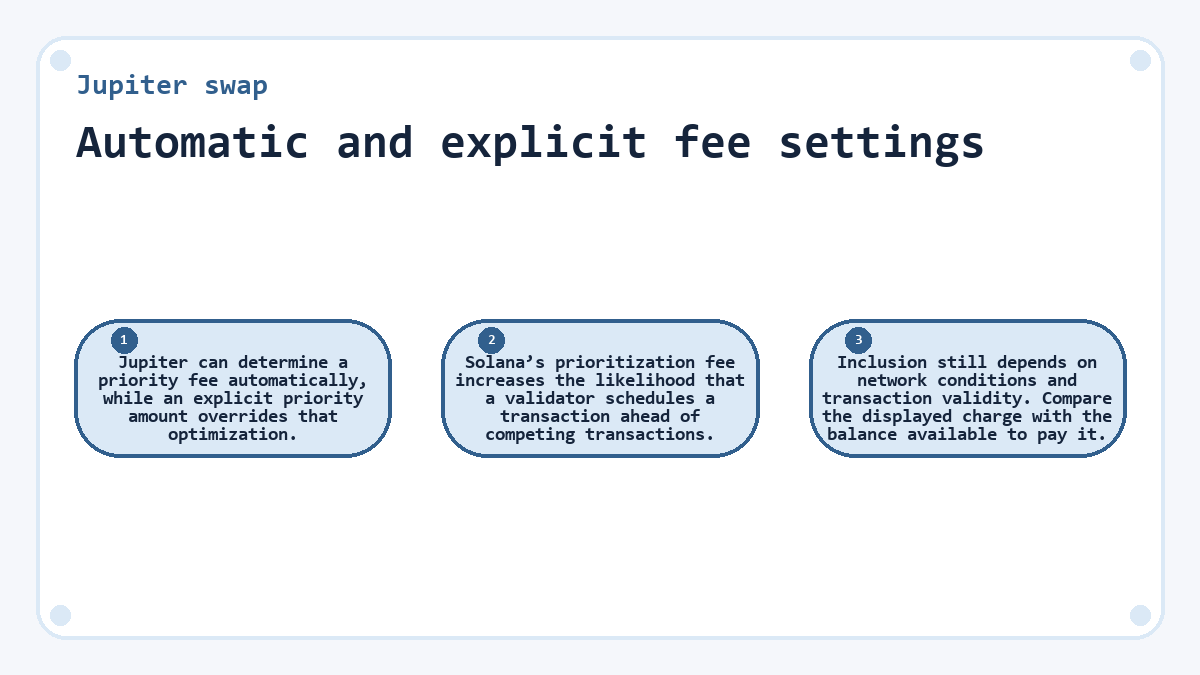
Jupiter can determine a priority fee automatically, while an explicit priority amount overrides that optimization. Solana’s prioritization fee increases the likelihood that a validator schedules a transaction ahead of competing transactions. Inclusion still depends on network conditions and transaction validity. Compare the displayed charge with the balance available to pay it.
Fee strategy details
A maximum cap
A maximum-cap strategy treats the supplied broadcast fee as a ceiling. It doesn’t mean every transaction spends the full ceiling. The cap applies to that fee strategy, so it shouldn’t be read as a limit on every cost associated with the exchange.
An exact amount
An exact-fee strategy uses the specified amount. Choosing between these strategies matters only when the corresponding priority fee or tip is set. An exact amount gives explicit control over that setting; it doesn’t purchase a guaranteed confirmation time.
Comparable quotes and separate cost units
A meaningful settings comparison holds the token identities and input amount constant while refreshing both offers close together. Changing the amount also changes the liquidity requirement, so the resulting output difference can’t be attributed solely to your filter. Even with identical inputs, market movement can affect quotes obtained at different times.
Keep output-token quantities separate from network charges denominated in another asset. Subtracting unlike units produces a meaningless total. Also distinguish fees already included in a displayed amount from charges listed separately, so you don’t deduct the same cost twice. The fee denomination and transaction breakdown determine which balance bears each charge.
Additional controls in custom transaction builds
Jupiter’s custom build API exposes routing controls that aren’t interchangeable with settings in its managed order flow. A build can restrict routing to selected DEXes and returns instructions for a transaction that the integration constructs. This path uses Metis routing. It also exposes a faster quoting mode that trades quote optimality for lower latency. These are integration choices, not evidence that every wallet or swap screen offers matching buttons. An interface that exposes fewer controls may still use Jupiter underneath; its displayed quote and transaction determine the choices available for that exchange.
A route exclusion with an output requirement
Consider a hypothetical fixed-input swap where every amount and quote result below is illustrative. The chosen tokens and input amount stay unchanged. The trader requires at least 241.3 output-token units in the wallet and enough fee balance to cover the separately displayed network charge. The default quote shows 247.3 output-token units.
The trader excludes the unwanted router and requests another quote without signing. The constrained quote shows 243.8 units, with a minimum received of 242.3 units after accounting for any applicable output-token fee. The exclusion has reduced expected output by 3.5 units. Its minimum still exceeds the required amount by 1.0 unit, and the displayed network charge remains affordable.
After checking the minimum received and available fee balance, the trader approves the constrained transaction. In this example, the successful execution record and corresponding wallet credit show 243.1 output-token units. That receipt exceeds the requirement by 1.8 units. The exclusion therefore meets the stated constraint at a lower quoted output. The trader would reject a minimum below 241.3 before signing, even if expected output remained attractive.
Execution records and the next settings choice
A successful transaction record establishes what the selected settings produced. Jupiter’s execution response distinguishes the route’s output from the final output credited after any fee collected in that token. Those amounts can differ without indicating a routing failure. Compare the wallet credit with the applicable output requirement, using the same token units.
Keep the transaction signature with the settings and quote you accepted. That preserves the connection between the restriction you chose and the recorded exchange. For another trade, decide whether the same restriction still serves a concrete need. Keeping it narrows the next search; removing it admits more candidates, whose quotes still require a fresh comparison.
Things people ask about Jupiter swap
Does a manual-mode label identify the router used for my swap?
A manual-mode label indicates that optional parameters changed the order configuration; it doesn’t identify the winning router. Jupiter reports the selected router separately. Several different settings can produce manual mode, so the label alone doesn’t establish which liquidity source supplied the quote or explain a change in output.
Can I combine a DEX allowlist with a DEX exclusion list?
The custom build API treats its DEX allowlist and exclusion list as mutually exclusive. Choose the filter that expresses your requirement. The managed order API supports DEX exclusions rather than that allowlist parameter, and its DEX exclusions have a narrower scope than exclusions of entire routing engines.
Is zero slippage the same as leaving slippage on automatic?
Zero slippage is a fixed tolerance, while automatic slippage lets Jupiter estimate a tolerance for the order. A zero setting can cause failure when the executable output falls below the quoted requirement. It doesn’t ask the system to select an automatic value, and it doesn’t freeze market prices.
Why can a sponsored fee payer change the available routing?
Setting a separate integrator fee payer in the Swap V2 order API restricts routing to Metis. That condition applies when the payer differs from the wallet initiating the swap. It shouldn’t be generalized to every gasless swap, because Jupiter supports other ways of paying transaction fees on a user’s behalf.
Will a failed swap still incur a network charge after I change settings?
A transaction that reaches onchain processing can incur a network fee even when its swap fails. This differs from a quote request that never submits a transaction. Repeated failures under a restrictive tolerance can therefore consume the fee payer’s balance without producing the intended output.